Spark Clean: a macOS storage cleaner for developers
Free, open source, and built for developer workflows

Inside the project
1 / 5 · Interface preview
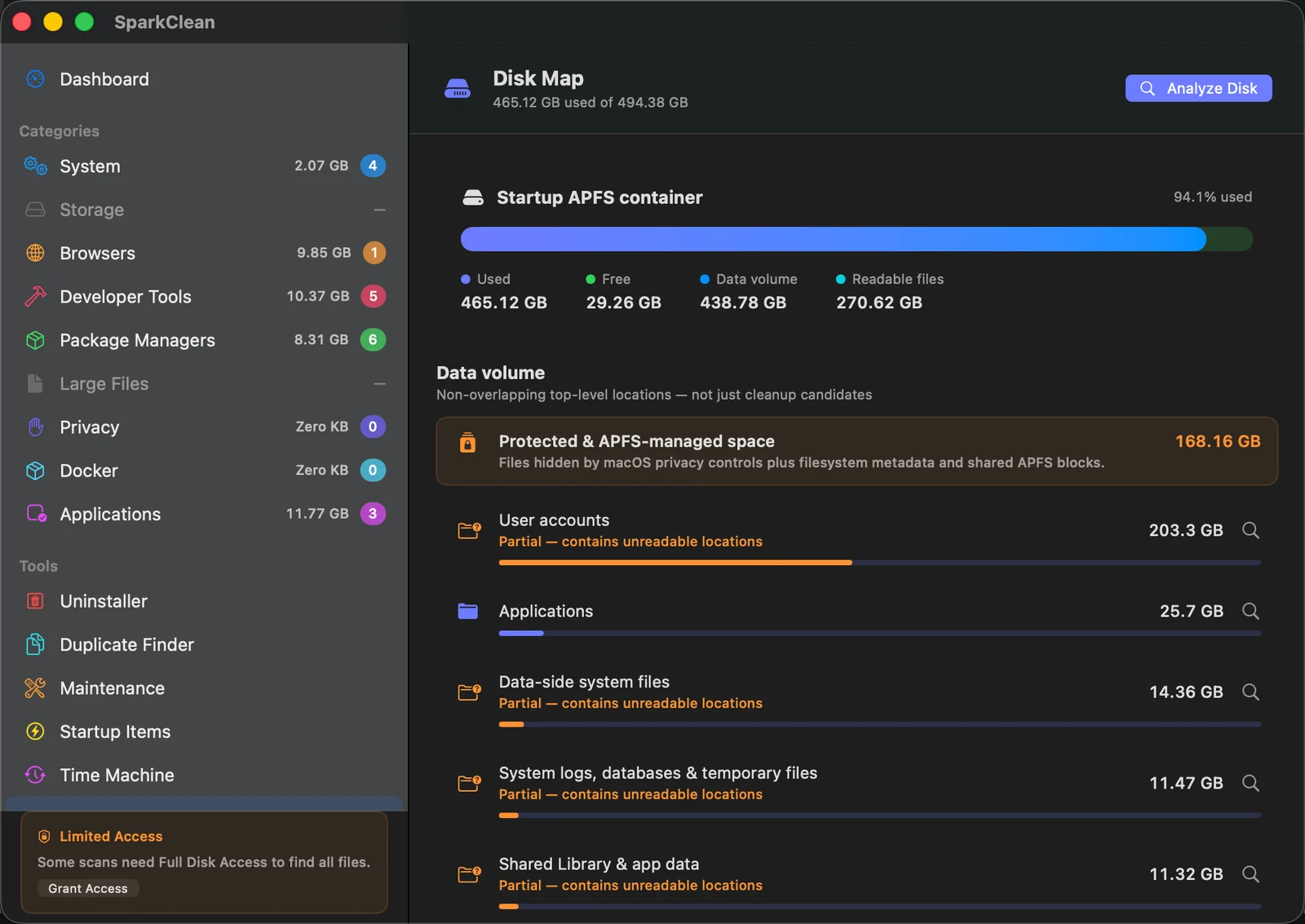
Spark Clean Disk Map showing storage categories and their disk usage
Open imageOverview
Spark Clean is a native macOS application that scans your disk for developer-specific bloat and offers to reclaim it. Unlike generic cleaners that treat all files the same, Spark Clean understands what a Docker image is, what node_modules means, why Xcode's DerivedData exists, and when it is safe to delete.
Why I built it
My laptop was always full. Running du -sh * told me where the space went, but deleting Docker images, Node modules, and Xcode caches by hand was tedious and error-prone. Paid cleaners either ignored developer-specific directories or deleted things I wanted to keep. Nothing fit, so I built the thing I wished existed.
What it scans
- Docker images, volumes, build cache, and unused networks
- Xcode derived data, archives, simulator caches
- Node.js node_modules directories (with optional age threshold)
- JetBrains IDE caches for IntelliJ, WebStorm, PyCharm, Rider, GoLand, RubyMine
- Homebrew unused cellar entries and downloaded tarballs
- Ollama models that have not been used in a configurable window
- System caches in
~/Library/Caches
Design choices
Two principles drove the design. First: never delete without explicit confirmation. Every item is shown with its size and last-used date before anything is removed. Second: categorize, don't rank. Users want to decide per-category ("yes to Docker, no to Xcode") rather than scroll through a flat list of 400 files.
Tech stack
Swift, SwiftUI, and shell commands under the hood for the actual disk operations. The UI is fully reactive: scans happen in the background, results stream in, and you can start deleting before the scan finishes.
Takeaway
Developer tools are a tight niche, but the audience is loyal. If you build something that solves a problem developers have every week, they remember it and they tell their colleagues. Spark Clean took a weekend to build and it is the tool I open on every new machine.