
PixelDiet
Native image processing for macOS

Inside the project
1 / 2 · Interface preview
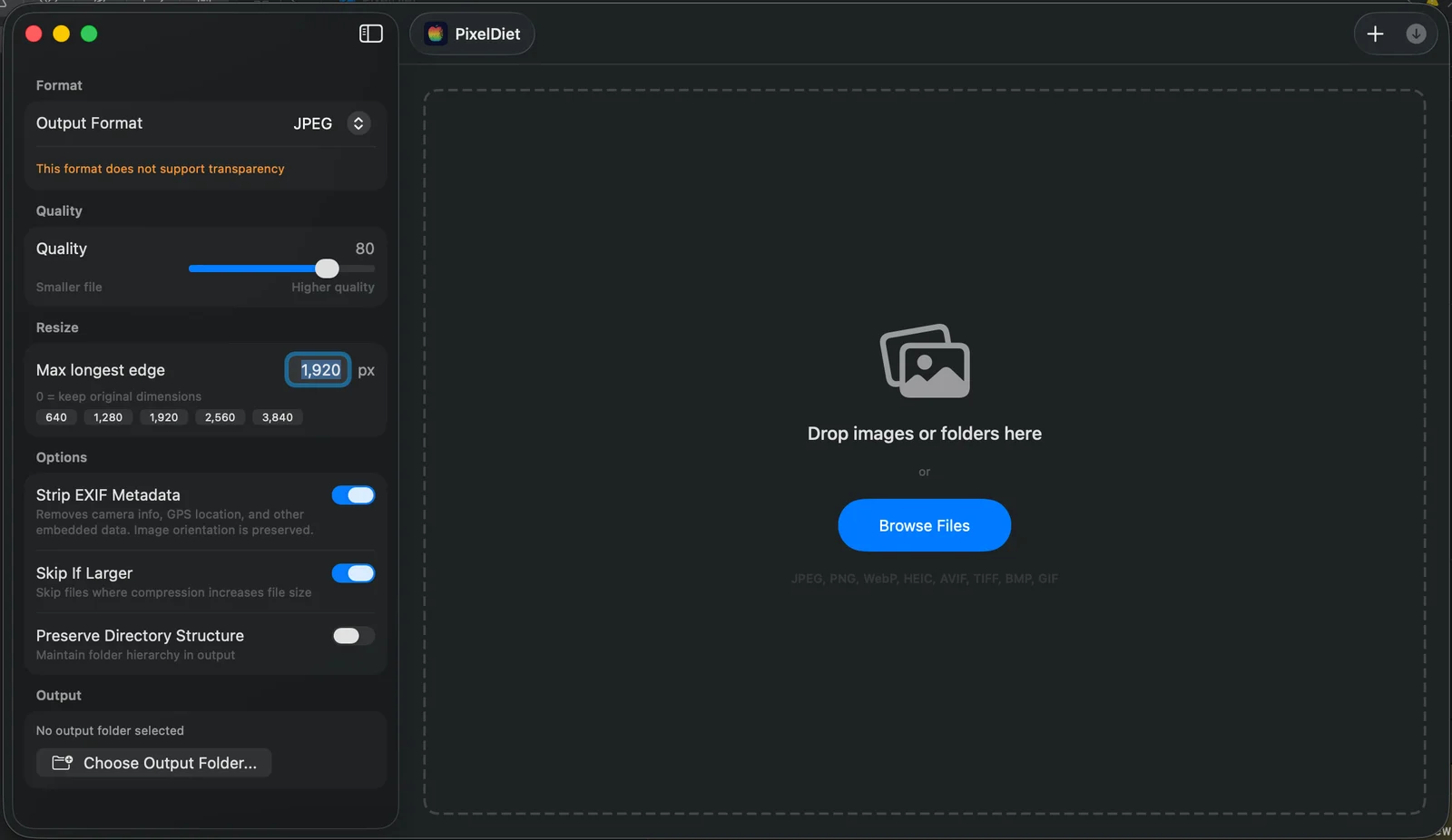
PixelDiet workspace with image format, quality, resizing and metadata controls
Open imageThe problem
Image preparation can turn into a long sequence of opening files, changing dimensions, exporting formats and checking whether the result is actually smaller. PixelDiet brings that work into one native macOS application, with a workspace designed around a batch rather than a single image.
What I built
The application accepts files and folders, lets the user choose output format, quality and maximum dimensions, and processes the batch locally. Its results view reports individual file savings alongside the batch outcome. Files that would become larger can be skipped, and a before-and-after preview helps the user judge the tradeoff.
Metadata controls, naming-conflict choices and directory preservation address the details that matter when preparing real asset collections. Run history keeps the settings and outcome visible after a batch finishes.
Engineering focus
SwiftUI supplies the native interface. ImageIO, Core Image and Apple image-processing frameworks handle the media workflow, with libwebp used for WebP output. Processing happens offline: the application does not need an image-upload service to perform a conversion.
The project demonstrates the combination of interface design, native application development and practical media tooling. Its license is source-available with non-commercial restrictions; it is not presented as an unrestricted open-source dependency.
Technologies
SwiftUI, ImageIO, Core Image, WebP.