George Khananaev
Technical Deep-Dive

Travel Panel WebSocket Server: real-time at uWebSockets.js speed

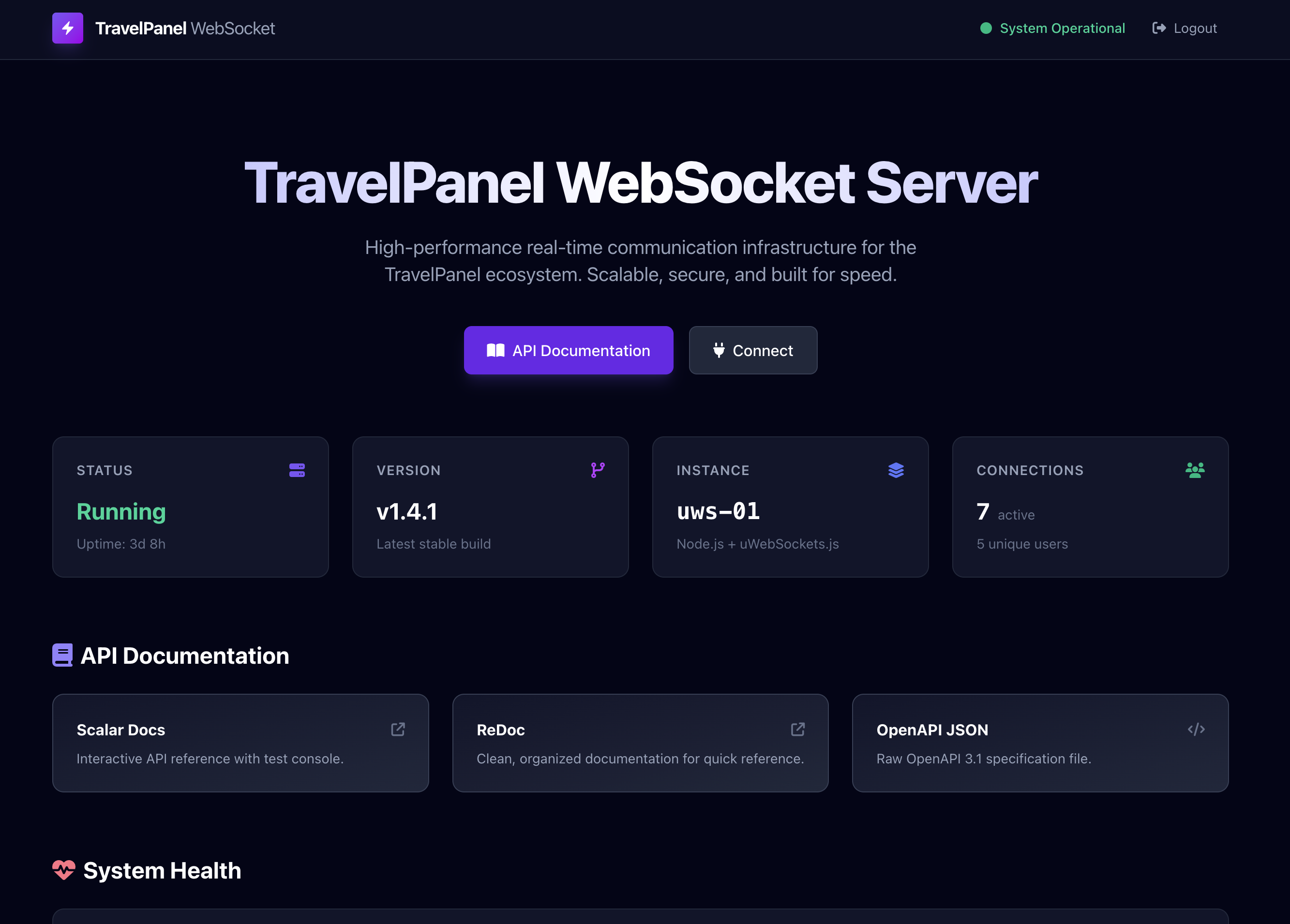
High-performance WebSocket gateway for notifications, chat, and live state, running on port 8965 since August 2025

3 min read
Moon HolidaysAug 2025 — PresentEngineering Team Lead

Overview

Travel Panel needed live updates. New bookings had to appear in operator tabs the moment they were created. Chat messages between staff had to feel instant. System alerts had to reach every active session across the whole platform. I built the WebSocket server that powers all of that, running on port 8965 in every environment since August 2025.

Why uWebSockets.js

The obvious choice is ws or socket.io. They are easy, they are popular, and they are fine for small loads. They are also ten to fifteen times slower than uWebSockets.js under serious traffic. For a system that has to serve every active Moon Holidays user session at once, raw throughput matters. uWebSockets.js is a C++ WebSocket server with Node bindings, and it is the fastest thing on the JavaScript runtime.

Architecture

uWebSockets.js as the transport, wrapped in a thin TypeScript layer for application logic.

MongoDB for persistence of delivered messages, chat history, and subscription state. A single MongoDB URL covers both databases the service needs.

Redis for pub/sub and fan-out across multiple WebSocket server processes. Any backend service in the Moon Holidays platform can publish to Redis and every connected client sees the message.

Firebase Admin SDK for handshake authentication: every socket verifies its token before it is allowed to subscribe. Clients connect with ws://host:8965/ws/{firebase-token}.

Tenant-scoped fan-out enforced at the gateway layer, so a message for one tenant never leaks to another.

API surface

HTTP endpoints alongside the WebSocket transport:

  • GET /api/auth/me — current user
  • GET /api/auth/verify — verify token
  • GET /api/users/online — list online users
  • GET /api/users/search?q= — search users
  • GET /api/users/by-email/:email — lookup by email
  • POST /api/chat/send — send message
  • GET /api/chat/history — message history
  • GET /api/chat/rooms — user's rooms
  • POST /api/chat/messages/mark-read — mark messages as read
  • POST /api/notifications — send notification
  • GET /api/notifications and /unread-count
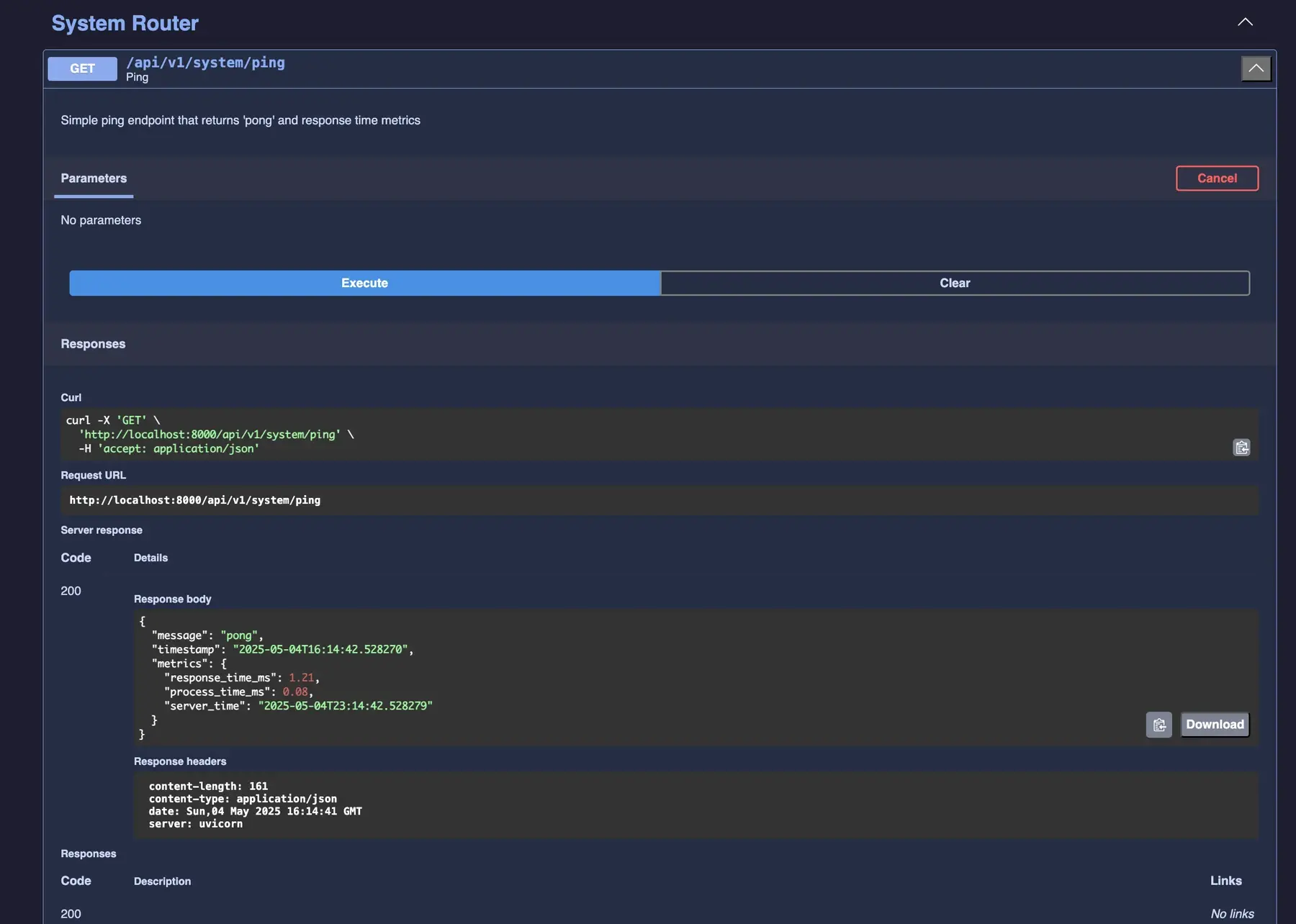
  • GET /health, GET /metrics

WebSocket actions

The message envelope is {action, data}. Supported actions:

  • chat — send chat message
  • notification — send notification
  • presence — update presence status
  • ping / pong — keep-alive
  • get_connected_users — list online users
  • fetch_unacknowledged_notifications — retrieve pending notifications
  • acknowledge_notification — mark as read

Rate limits and connection ceilings

Rate limits differ by environment because dev workloads need headroom for testing while production needs abuse protection:

Setting Dev Production
Messages per minute 1000 120
Connection attempts per minute 500 200
Max connections per user 10 10
Idle timeout (seconds) 120 120

Dev vs production

Dev connects to an external Redis from the travelpanel-fastapi Docker network for shared state with the rest of the platform, hot-reloads via tsx watch, and runs with LOG_LEVEL=debug. Production uses a bundled Redis container with persistence, compiled JS, and LOG_LEVEL=info.

Project structure

uws-server/
├── src/
│   ├── index.ts          # Entry point
│   ├── app.ts            # App setup
│   ├── config.ts         # Configuration
│   ├── handlers/         # HTTP & WebSocket handlers
│   ├── services/         # Business logic
│   ├── database/         # MongoDB & Redis
│   └── middleware/       # Rate limiting, etc.
├── tests/                # Unit tests
├── Dockerfile            # Production image
└── Dockerfile.dev        # Development image

Production reality

The server has been running in production since launch. Uptime is effectively continuous. Occasional Redis version bumps, a handful of TypeScript refactors as the feature set grew, and very little else. The fastest way I know to end up with a reliable system is to start with a small number of correct primitives and resist the urge to decorate them.

Tech stack

Node.js 20 LTS, TypeScript, uWebSockets.js, MongoDB, Redis, Firebase Admin SDK, Docker, Docker Compose.

Takeaway

Real-time is less about "how fast can you push bytes" and more about "what happens when things go wrong". Reconnection, message replay, authenticated handshakes, pub/sub across pods, graceful shutdown, rate limiting, per-user connection ceilings, idle timeouts. If all of those work, the WebSocket bit takes care of itself.

Working on something similar?

I take on a handful of engagements at a time: architecture reviews, platform rescues, AI integration, and fractional technical leadership. The clearer the brief, the faster the reply.

How I work
Vercel Controller: a Node.js microservice for Vercel cache and deployments
Vercel Controller: a Node.js microservice for Vercel cache and deployments illustrationMoon Holidays
5 minJan 2026

Vercel Controller: a Node.js microservice for Vercel cache and deployments

Express 4 service with async job queue, smart deduplication, LRU cache, Helmet.js security, and 129 tests — called by Travel Panel whenever content changes

Vercel Controller wraps the Vercel API behind a stable interface for every service in the Moon Holidays platform. Express 4 + Helmet.js, async job queue with smart deduplication, LRU response cache with 88% hit rate, bearer token auth with timing-safe comparison, 129 tests, and auto-healing Docker. Travel Panel calls it whenever content changes to invalidate CloudFront and redeploy dependent frontends.

nodejsexpressverceldevops
Live Deck: a call center dashboard for the TV wall
Live Deck: a call center dashboard for the TV wall illustrationMoon Holidays
5 minJan 2026 — Present

Live Deck: a call center dashboard for the TV wall

React 19 + Vite 7 + React Server Components, version 2.0.1, 9 widgets, 32×18 draggable grid, SSE streaming with zombie-connection detection

Live Deck is the wall-mounted dashboard the Moon Holidays call center watches all day. Version 2.0.1. React Server Components, Vite 7, TanStack Query v5, nine widgets in a draggable 32×18 grid, real-time Aircall WebSocket streaming, SSE with zombie-connection detection, optional single-use ticket auth, and a hardened security model for unattended kiosk operation.

reacttypescriptvitersc
TravelOffer: a multi-brand travel booking platform
TravelOffer: a multi-brand travel booking platform illustrationFeaturedMoon Holidays
4 minJul 2025 — Present

TravelOffer: a multi-brand travel booking platform

Next.js 16.1 + MongoDB booking flow with trilingual RTL/LTR support, state-machine order flow, and Stripe payments

A production Next.js 16 booking platform serving multiple brands under one codebase. Trilingual (English, Arabic, Hebrew) with full RTL/LTR support, cookie-based brand switching, a six-layer architecture, 30+ currency symbols, SMS/WhatsApp/Email/Google OAuth login, and a state-machine order flow from confirm to payment to completed.

nextjstypescriptmongodbstripe