py-image-compressor: batch image compression in Python
A lightweight CLI for compressing, converting, and resizing images in bulk

Inside the project
1 / 1 · Terminal screenshot
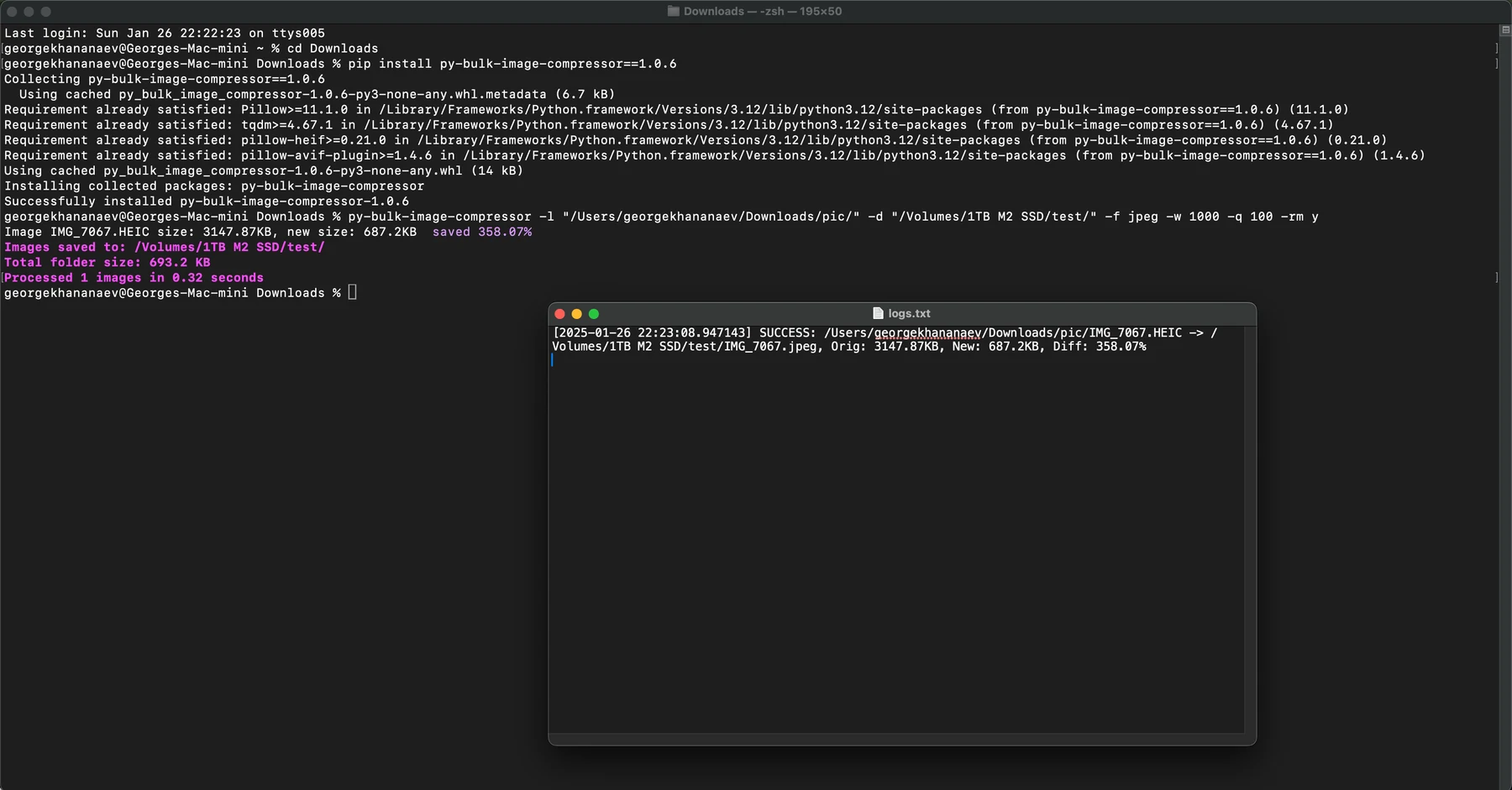
Shell screenshot from the public Python Bulk Image Compressor repository.
Open imageOverview
py-image-compressor is a small CLI that takes a directory of images and outputs an optimized version of every file. It handles JPEG, PNG, and WebP, resizes to a target max dimension, and writes results to a parallel output directory so the originals are never touched.
Why I built it
My personal and client projects all have the same bottleneck before launch: image optimization. You have a folder of 300 raw screenshots, logos, and hero images, and you need them all resized and recompressed without losing quality. The existing options were either heavy desktop apps or one-off scripts that I rewrote every time. This tool replaced the rewriting.
What it does
- Recursive directory scan with glob-style filters
- Format conversion to WebP or JPEG with tunable quality
- Resizing to a target max dimension, preserving aspect ratio
- Structure preservation so output mirrors input
- Progress reporting so you know the long jobs are actually progressing
- Dry run mode for previewing what would change without writing files
Tech stack
Python, Pillow for image manipulation, Click for the CLI interface, and concurrent.futures for parallel processing across CPU cores.
The interesting bit
Pillow is fast enough per-image, but the real wins come from parallelism. A 4-core machine processing 300 images sequentially takes ~3 minutes; the same machine with a thread pool processes them in ~45 seconds. The caveat is that Python's GIL makes CPU-bound threads ineffective — you need process pools, not thread pools, for real speedup on image work.
Takeaway
Small tools earn their keep by removing small repeated friction. This one is maybe 200 lines of Python, but it has saved me hours cumulatively. Build the tool; the investment pays back faster than you expect.