Claude Skills Vault: Skills, Commands & MCP
A reusable toolkit for Claude Code development workflows

Inside the project
1 / 1 · Repository preview
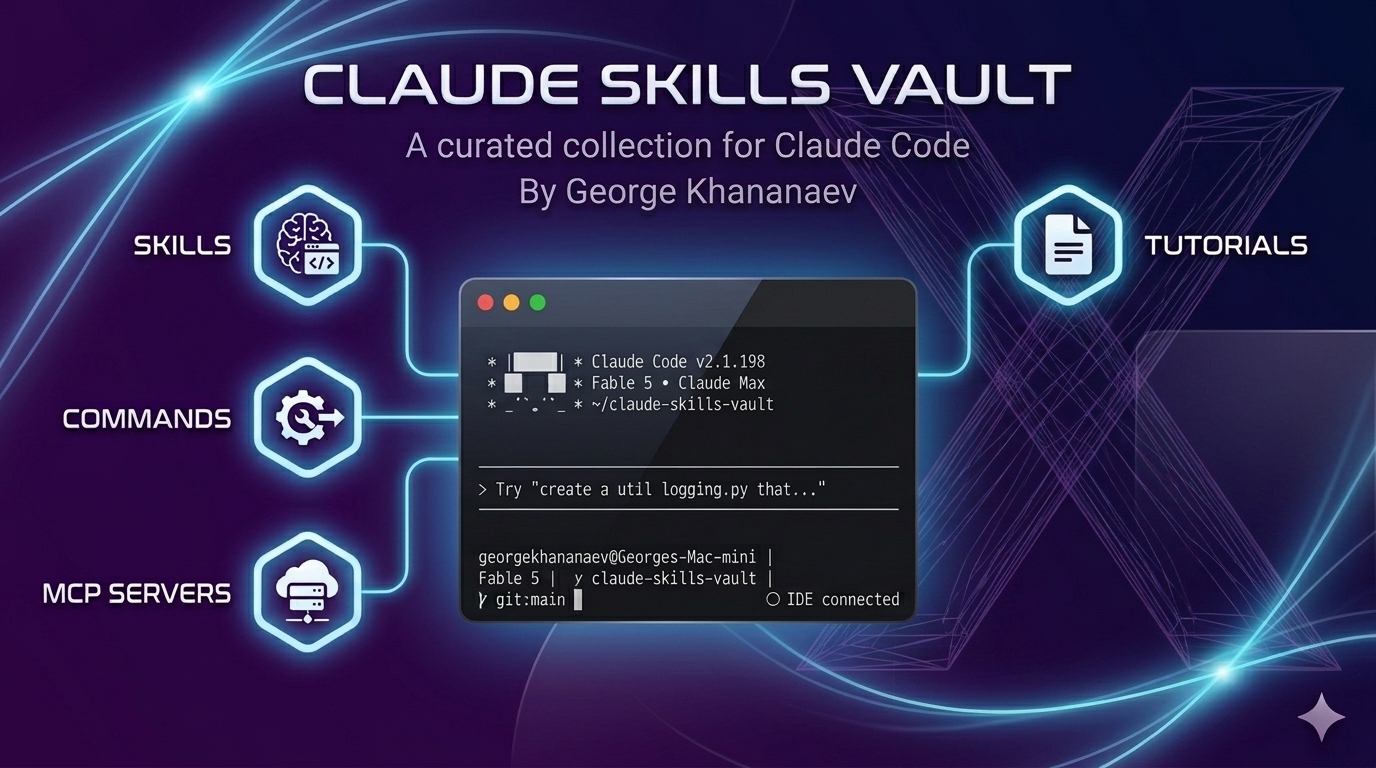
Original Claude Skills Vault preview artwork from the GitHub repository.
Open imageReusable workflows for Claude Code
Claude Skills Vault brings together skills, slash commands, MCP server configurations, and tutorials for Claude Code. I maintain the collection to make recurring development work easier to reuse across projects, from feature planning and implementation to testing, code review, and repository maintenance.
What's in the vault
- Skills: instructions for frontend and backend development, security reviews, databases, automation, SEO, and working with documents. Examples include brainstorming, Next.js, FastAPI, OWASP security, and test-driven implementation.
- Slash commands: shortcuts for feature planning, pull requests, releases, and DevOps tasks, loaded from the project's
.claude/commands/directory. - MCP integrations: server configurations and a source-linked catalog covering databases, cloud services, observability, productivity, and developer tools.
- Tutorials: guides to creating skills, writing commands, and building MCP servers.
Browse and install
The npm CLI lets you find a workflow and download it into your project without cloning the repository.
npx claude-skills-vault@latest list
npx claude-skills-vault@latest search react
npx claude-skills-vault@latest info owasp-security
npx claude-skills-vault@latest install brainstorm --dry-run
npx claude-skills-vault@latest install brainstorm
Skills are saved in .claude/skills/. You can install several by name, or use install --commands to add the slash commands.
A workflow in practice
For a new feature, start with brainstorming to clarify the requirements, then bring in the relevant frontend or backend skill for implementation. Add testing and code review instructions as the work progresses. Keeping these instructions in the repository makes the workflow visible to collaborators and gives each project room to adapt its conventions.
Keep workflows adaptable
Installed skills are snapshots that can be adapted to a repository. Using @latest selects the current CLI and catalog; updating installed files requires reinstalling with --force, which replaces local edits. MCP connections have their own setup and credentials.
Explore the GitHub repository, skills catalog, commands, and MCP guide.